Your whole preflight, in your pocket.
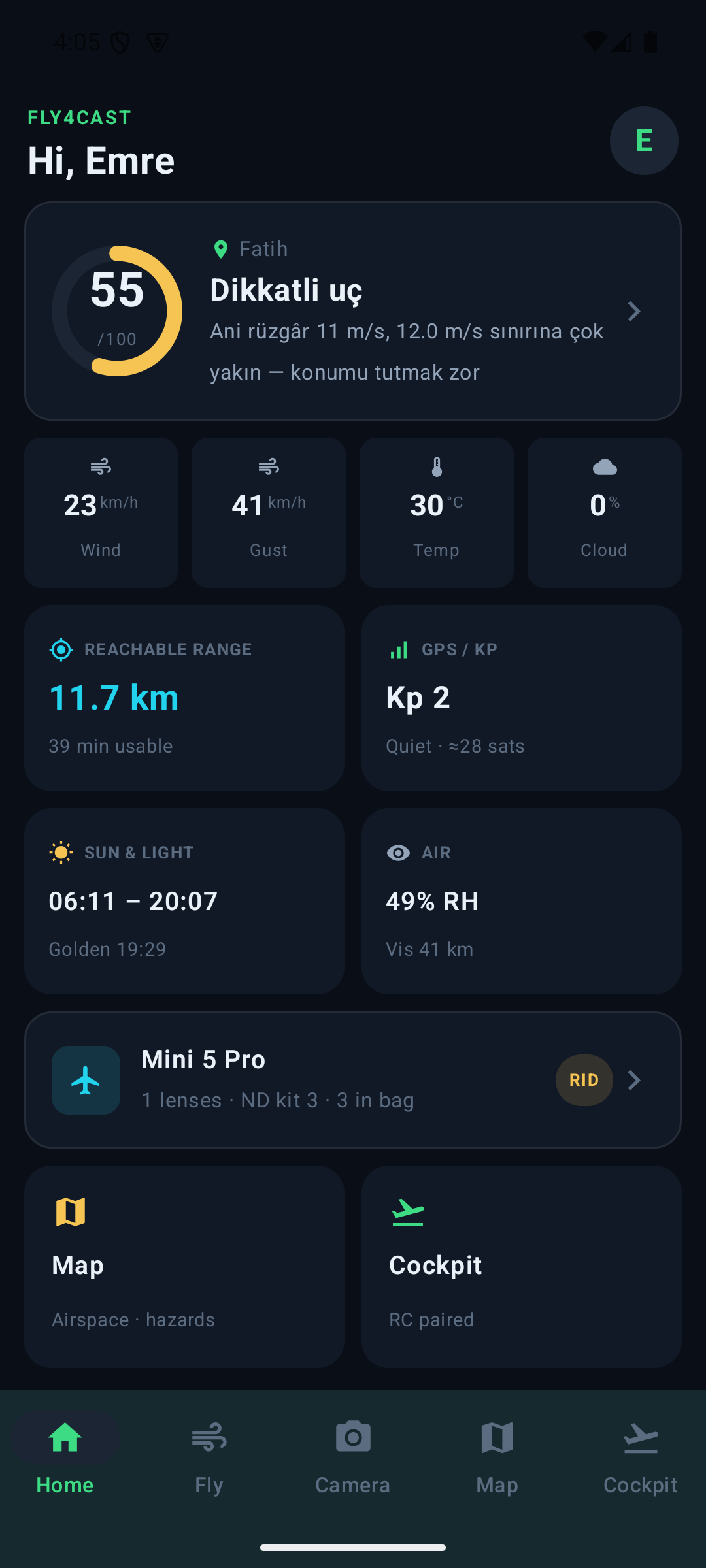
Fly4cast is now a native app for iOS and Android. Weather & flyability, wind at altitude, the camera/ND advisor, the hazard map and a live cockpit for your DJI RC2 — on your phone, fully in sync with the web.

What it does
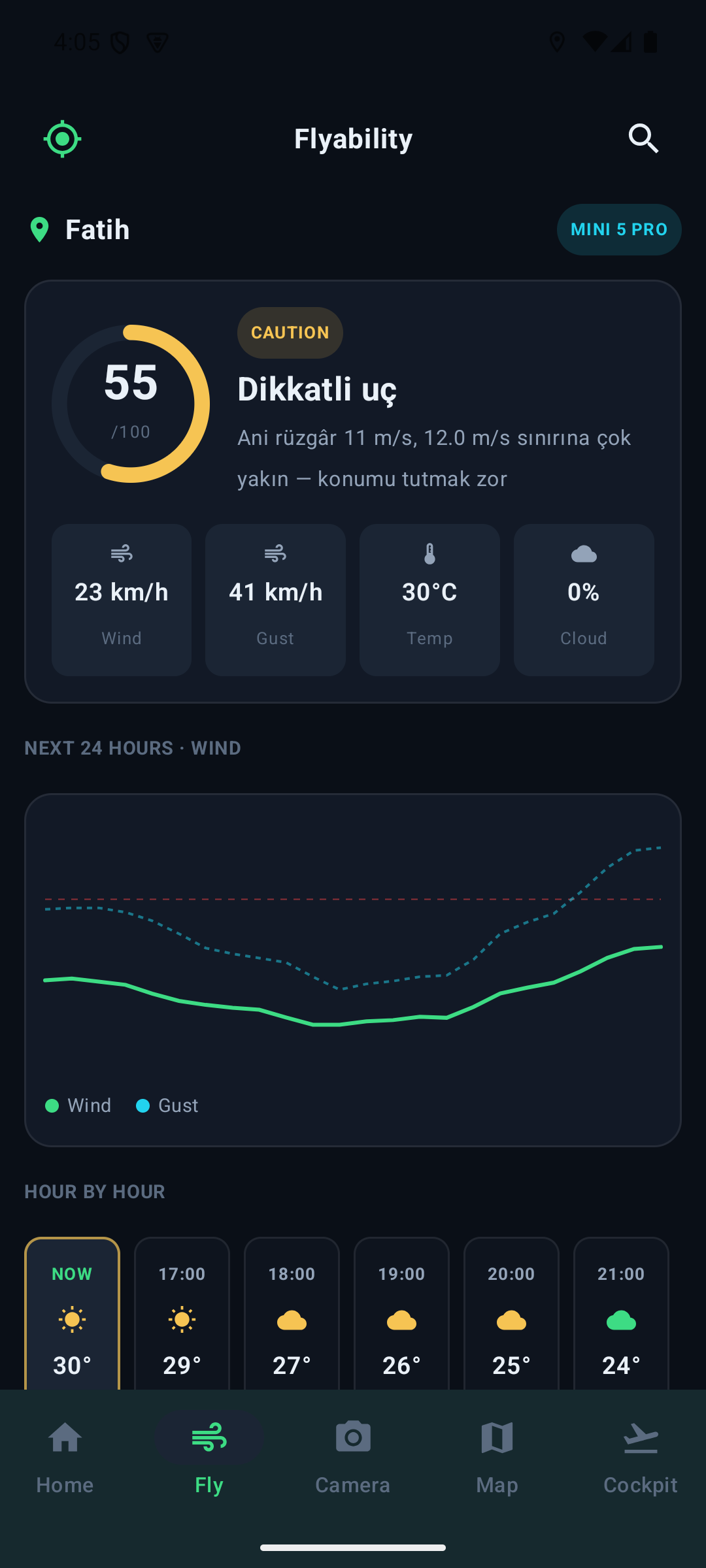
Weather & flyability
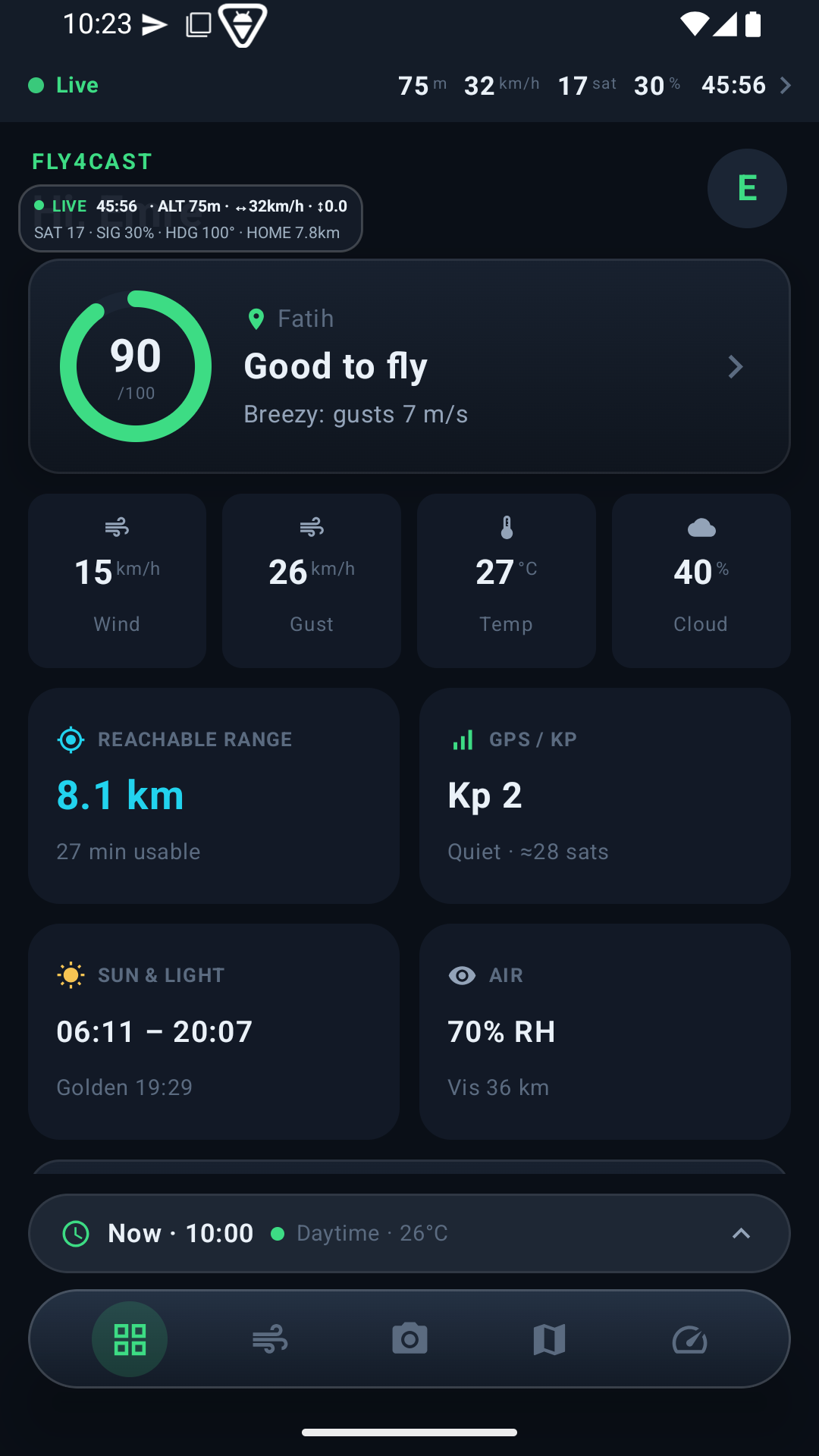
Live flyability for your location, wind at altitude and the hourly window.
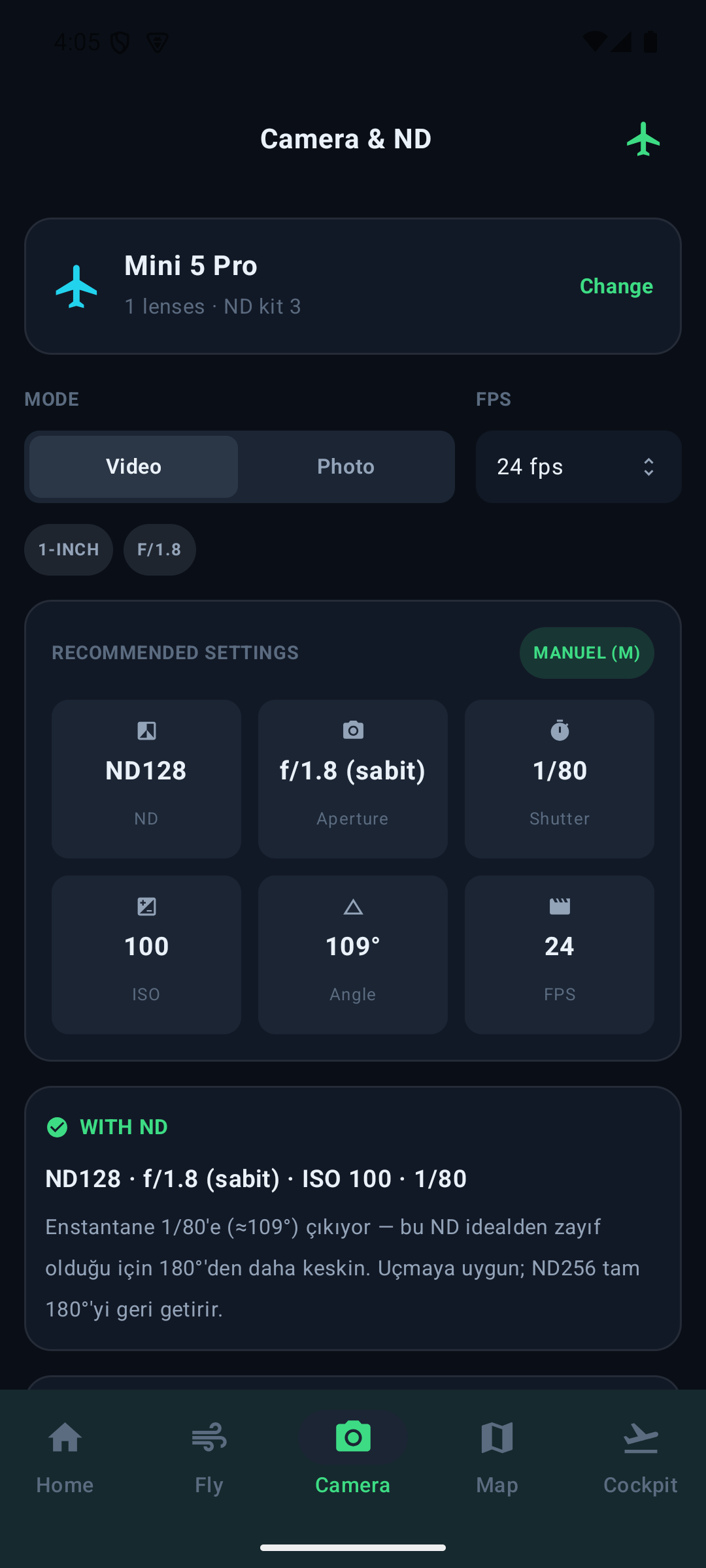
Camera & ND advisor
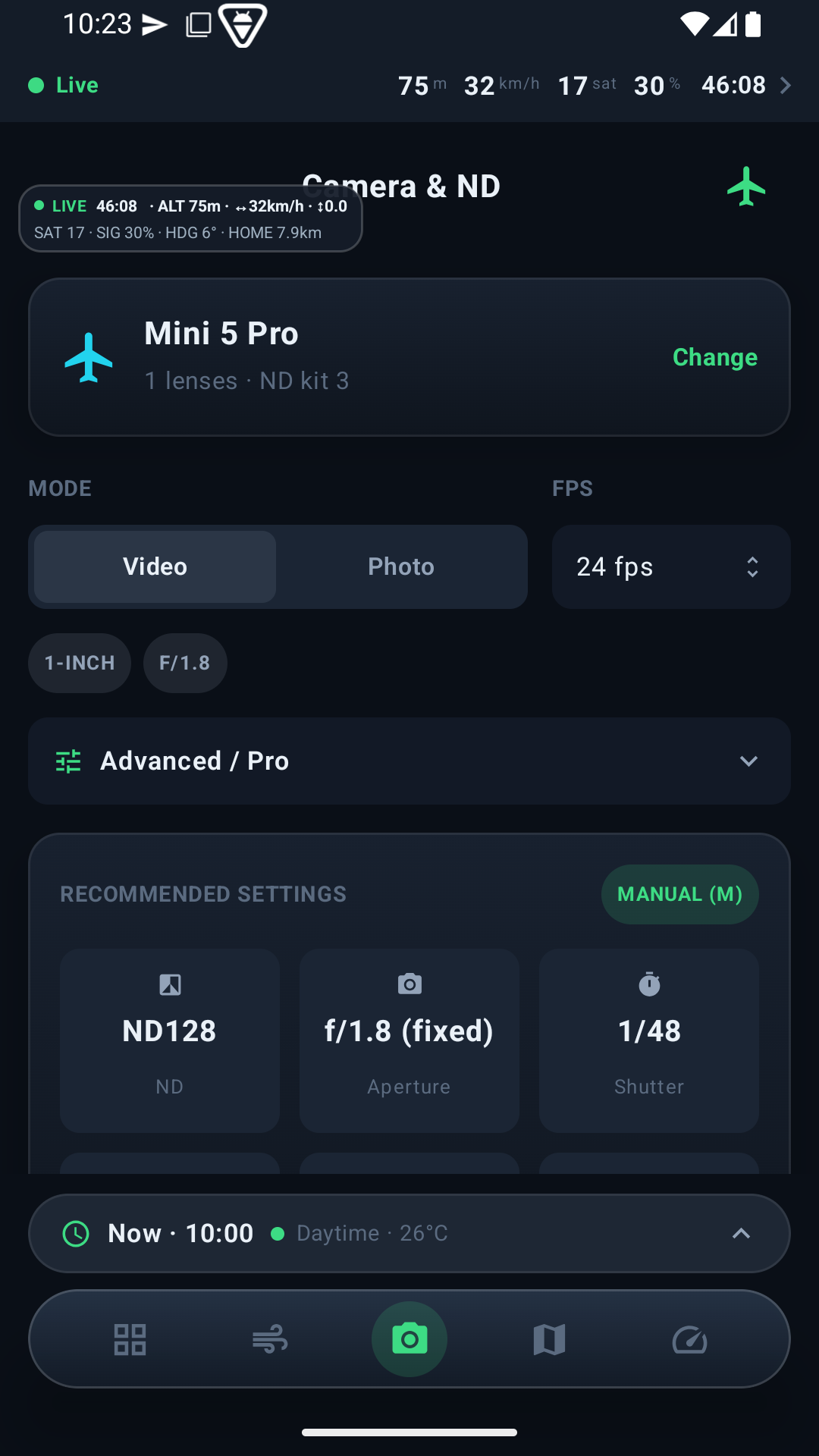
The right ND filter and exposure for your drone and the light.
Hazard map
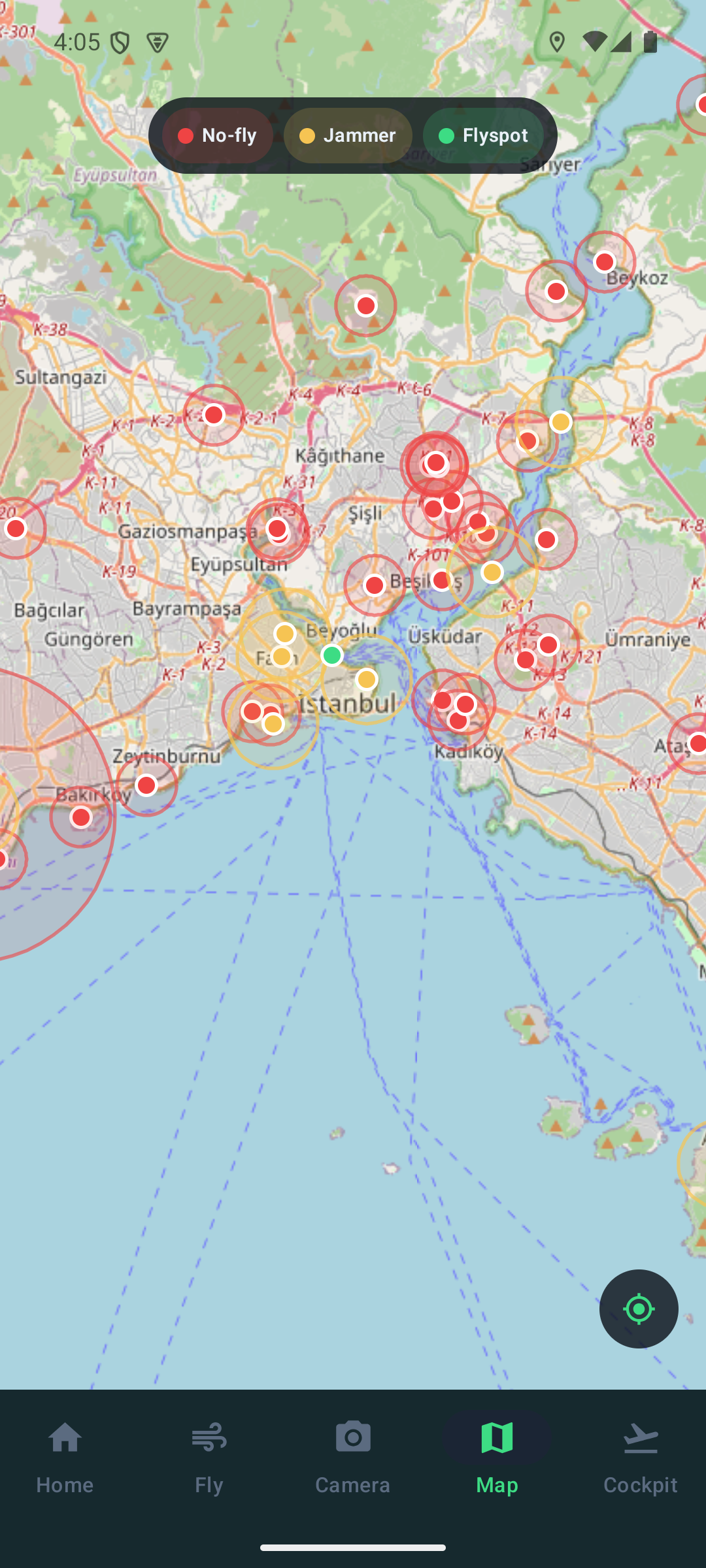
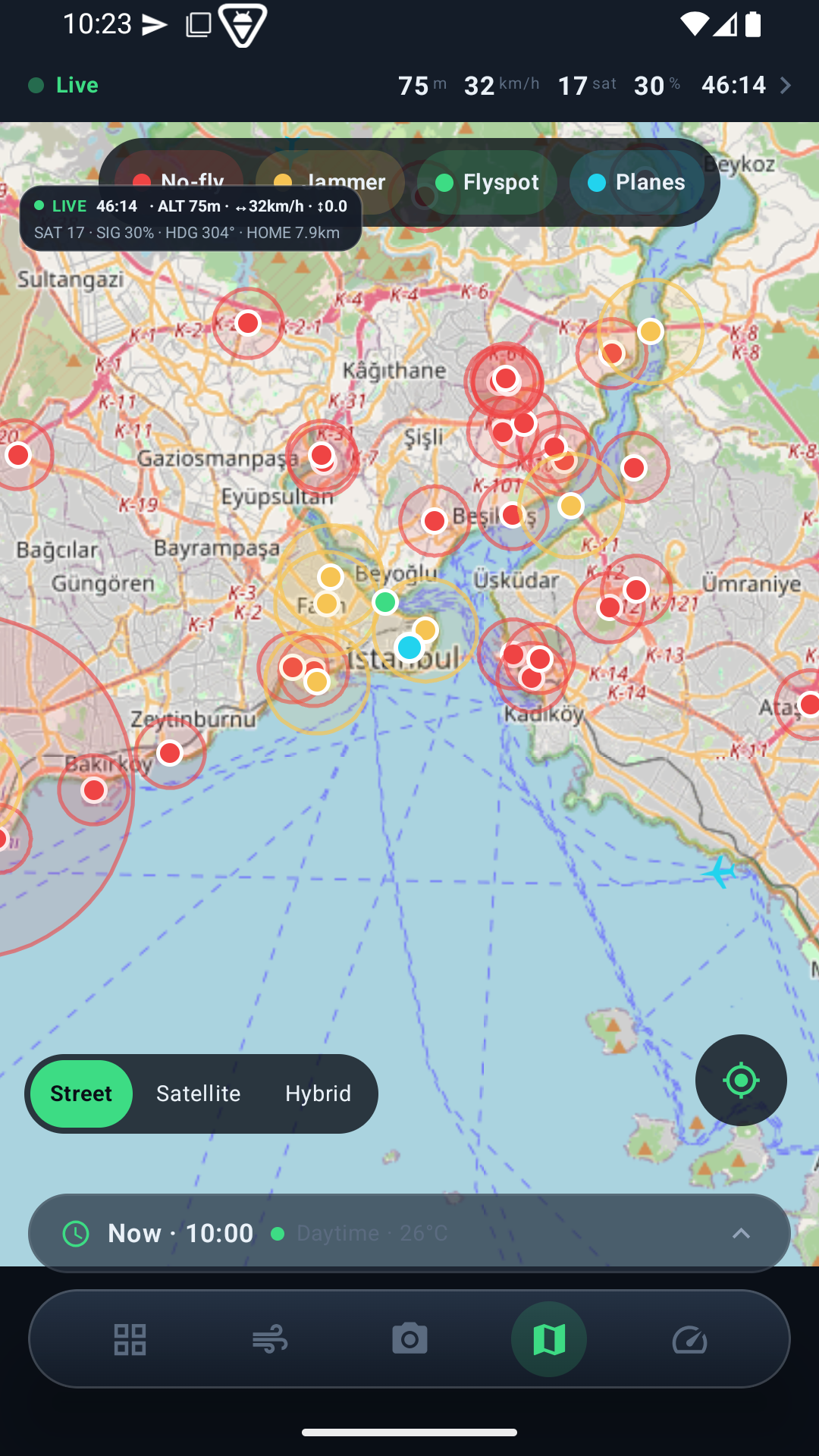
No-fly zones, GPS-jammer reports and community flyspots — live.
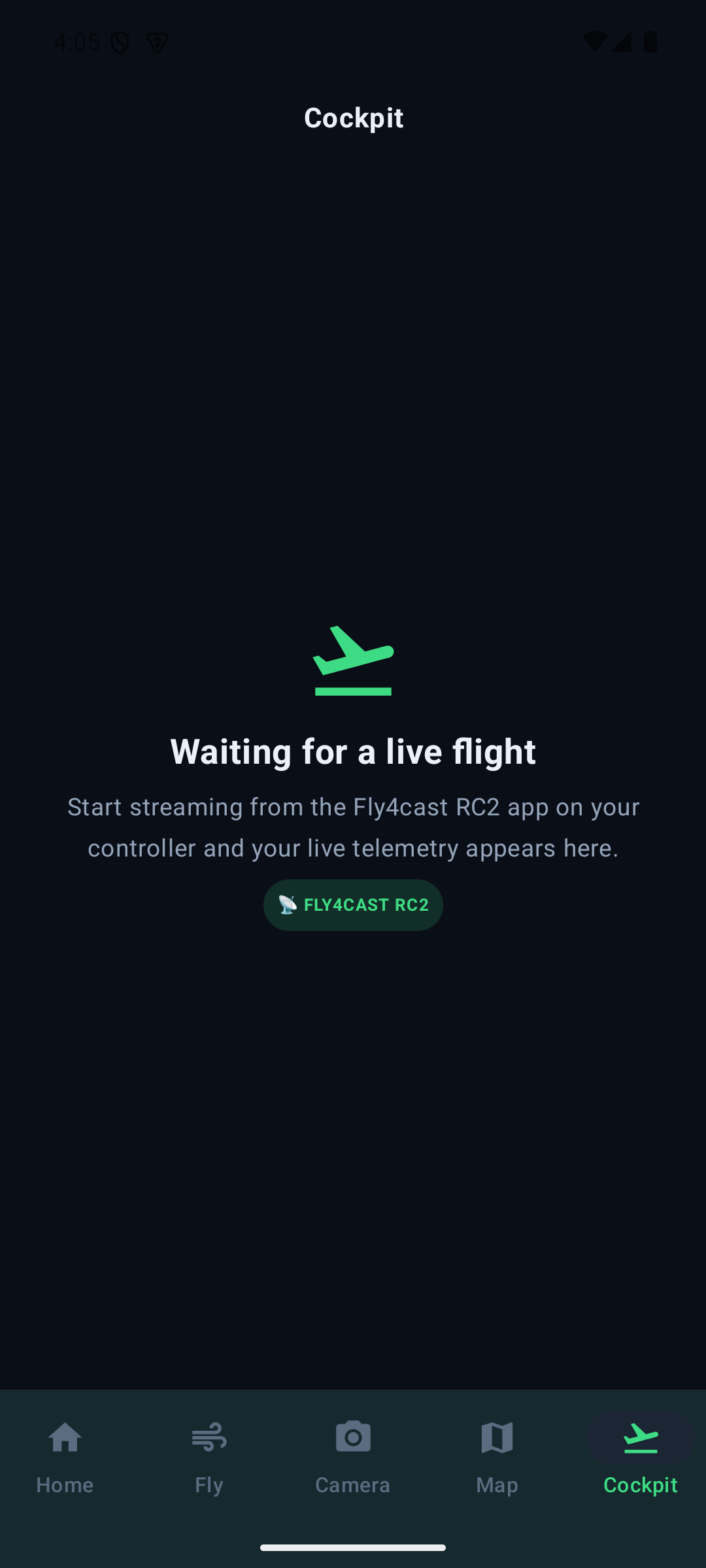
Live cockpit (RC2)
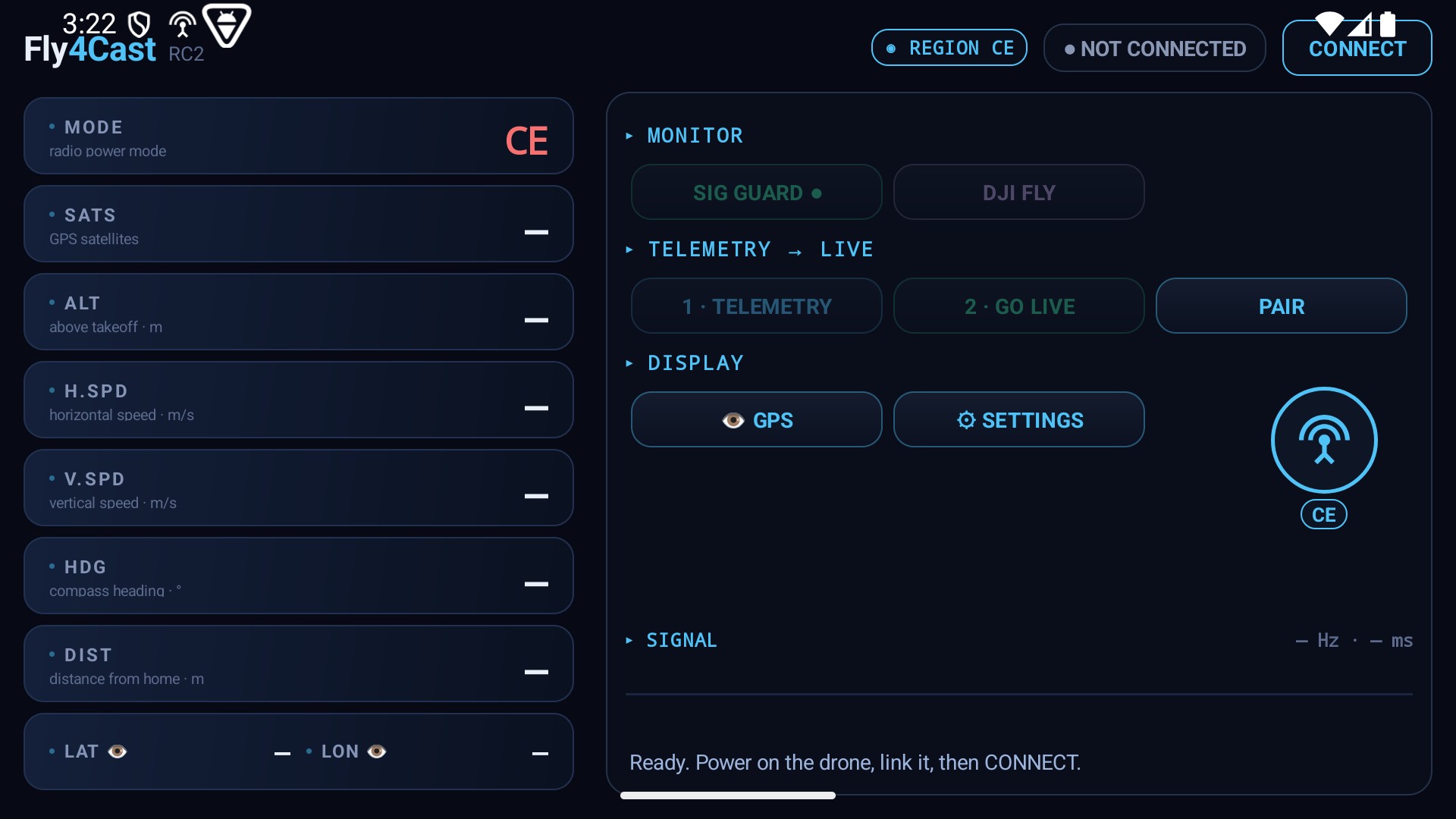
Telemetry from your DJI RC2: position, altitude, speed, signal and GPS — live.
Logbook
Flights save automatically with a full replay; phone ↔ web in sync.
Notifications
Good-to-fly windows and hazard alerts straight to your phone.
A look inside
On a tablet, too
The same app adapts to bigger screens — more at a glance.
Fly4Cast RC2 — stream your flight live
The companion app for your DJI RC2 controller streams your drone’s telemetry live into the web cockpit and your mobile app. It monitors the radio mode (never changes it) and warns on satellite drops and link loss. There’s a Demo mode too — fly a simulated flight with no drone and watch the cockpit come alive. v0.8-beta.
Become a beta tester
The beta is a closed test — you can’t download it straight from the store, we have to add you to the list. Sign up free first, then:
- Sign up free, or log in.
- On the pop-up after login, mark your device as “iPhone”.
- Enter the email tied to your Apple ID (App Store) — we send the TestFlight invite there.
- Install Fly4cast when the invite email arrives. (You can’t download it straight from TestFlight — we have to add you first.)
- Sign up free, or log in.
- On the pop-up after login, mark your device as “Android”.
- Enter your Google Play email (your Google account) — we add you to the closed test.
- Install from Play when the invite arrives. (You won’t see it unless you’re on the tester list.)